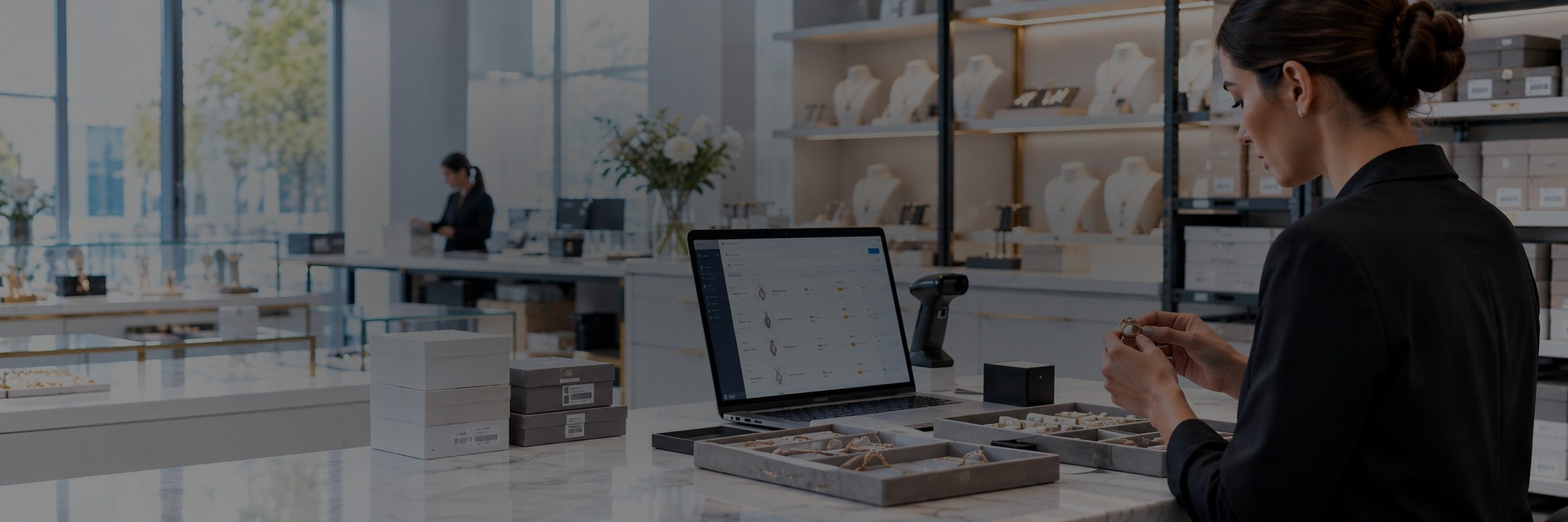
Jewelry Inventory Software
Nest Egg is jewelry inventory management software for jewelers, designers, and gem dealers. Track every ring, stone, and finding, whether it’s in a case, on a tray, in the safe, or at a trunk show. Send pieces out on memo with a due date, and know what’s out, who has it, and when it’s due back.
- ✓ Photos and certificates on every piece
- ✓ Memo and consignment due dates
- ✓ Unique QR label for every piece
Start your 2-week free trial See plans and pricing
No charge during the trial · Browser-only free plan also available
10,000+
teams
142
countries
303
software releases
32
languages
Where jewelry goes missing
Every piece is small and valuable, and many are one of a kind. When one piece goes missing, it’s a real loss, not a rounding error.
Pieces look alike
Five gold bands differ by a size or a stone. Without a unique tag on each, someone shows or ships the wrong one.
Memos go quiet
A ring goes out on approval or a strand goes to another dealer, and nobody follows up when it’s due back.
Counts drift
Pieces move from the case to the safe, the bench, or a trunk show, and the closing count doesn’t match the morning count.
From the case to the customer
Nest Egg follows each piece from the day it arrives to the day it sells, and keeps a record at every step.
1. Receive and tag
Record the purchase with its cost and supplier, take photos, attach the certificate, and print its QR label.
2. Case and safe
Every piece has a home in a case, a tray, or the safe. Transfers keep the record right when pieces move.
3. Out on memo
Lend a piece to a client or a dealer with a due date. Nest Egg alerts you before it’s due back.
4. Sold or returned
Scan the tag to pull up the piece, then record the sale or check it back in. Its full history stays on the record.
Jewelry Inventory Tracking
Photos and Files
Add up to 10 photos and 5 files to each piece, including certificates, appraisals, videos, and voice memos.
Custom Fields
Record metal, karat, weight, stone, carat, cut, clarity, ring size, or a grading report number.
QR Labels
Print QR labels from the app. Each one carries the piece’s unique Nest Egg ID, so a scan opens that exact piece.
Locations
Organize stores, cases, trays, safes, and show kits in up to six levels. Scan a tray’s label to see what’s in it.
Memo Out
Lend pieces to clients or dealers with a quantity, notes, and a due date, and get alerts before they’re due.
Consignment
Mark pieces you hold on memo or consignment as borrowed, with the owner and a return date.
Serial Numbers
Keep serial, lot, and batch numbers on purchases and sales to trace each piece.
Cost and Price
Store cost, replacement cost, and price on each piece, in any of 150+ currencies.
Stock Alerts
Get notified when findings, chain, or packaging run low, so you can reorder in time.
Transfers
Move pieces between stores, cases, the safe, show kits, and sales reps’ cases, with a reason for every move.
Returns
Record customer returns and returns to suppliers, so stock and history stay right after an exchange.
Orders
Record purchases from suppliers and sales to customers, with order numbers and prices.
Contacts
Keep customers, suppliers, consignors, and memo clients in one list, linked to their transactions.
Shrinkage
Log lost, damaged, or miscounted pieces with a reason, so losses don’t hide in the count.
Reports
Run PDF reports on sales, purchases, stock levels, and memos, by location, category, customer, or seller.
Permissions
Control who can view, add, or edit inventory, with a full audit trail of every change.
Built for jewelers
Retail jewelers
Know what’s in each case, what’s in the safe overnight, and what’s out on approval with a client.
- Scan a tag to see the piece, its photos, and its price
- Case and safe counts with barcode scans
- Pieces out on approval with due dates
- Customer returns and exchanges on record
- One inventory across several stores
Designers and makers
Track finished pieces alongside the metal, stones, and findings at the bench, from studio to show to online shop.
- One-of-a-kind pieces with their own record
- Low-stock alerts for findings and chain
- Show kits packed and counted by scan
- Pieces on consignment in other stores
Gem, estate, and vintage dealers
Keep the certificate, the source, and the full history with every stone and estate piece you buy, memo, and sell.
- Grading reports and appraisals on each record
- Memo in and memo out with due dates
- Purchases in 150+ currencies
- Serial and lot numbers for traceability
- Sales reps’ cases tracked piece by piece
What jewelers track
From a single diamond to a drawer of jump rings, if you stock it, you can label it, scan it, and track it.
Rings
Necklaces
Earrings
Bracelets
Watches
Loose stones
Findings
Metal and chain
Nest Egg vs. spreadsheets
Spreadsheets are a fine start. They stop working when pieces move between cases, the safe, shows, and clients every day.
| Nest Egg | Spreadsheet | |
|---|---|---|
| Photos of every piece | ✓ | Hard to manage |
| Unique scannable ID for every piece | ✓ | No |
| Scan barcodes and QR codes | ✓ | No |
| Alerts before memos are due | ✓ | No |
| Certificates and appraisals on each piece | ✓ | No |
| Count a case or a show kit on a phone | ✓ | Hard on a phone |
| History of every change | ✓ | No |
Getting started
Add your pieces
Import a spreadsheet, or add pieces with photos.
Label and organize
Print QR labels and give every piece a case, tray, or safe.
Scan, memo, sell
Count by scan, track memos, and record each sale.
Why Nest Egg
iOS, Android, web
Synced across every device.
Works with your POS
Keep your checkout. Move data with CSV.
Bank-level security
The same encryption standards banks use.
Fast support
Real people, often within an hour.
What customers say
In their own words, from App Store reviews of Nest Egg.
★★★★★
“Wow! The customer service for this app is amazing.”
Jrichter5781 · App Store review
★★★★★
“I switched from another app to this one and boy, what a difference it made.”
MindyParis · App Store review
Jewelry inventory FAQs


Try Nest Egg free
Know where every piece is before the doors open. Tag your first tray today.


 (510) 270 5798

'/%3E%3Cpath%20fill='%23b2b2b2'%20d='M241%20382q0%2016%2017%2026%2017%2011%2042%2011t42-11q16-11%2017-26V269H241'/%3E%3Cpath%20fill='%239f7e00'%20d='M241%20379q0%2014%208%2023%209%209%2021%209%2014%200%2021-9%209-9%209-23V269h-59'/%3E%3Cpath%20d='M241%20339v-70h59v110q0%2014-9%2023l-6%205v-68h-15v72q-8%200-14-4v-68zm59%2040c0%2022%2015%2032%2029%2032%2021%200%2030-18%2030-32v-40h-59'/%3E%3Cpath%20fill='%239f7e00'%20d='M266%20277v5h2v12h-3v-5h2v-5h-9v5h2v5h-4v9h3v18h-5v10h34v-10h-5v-18h3v-9h-4v-5h2v-5h-9v5h2v5h-3v-12h2v-5zm42%20101q0%2010%206%2017%206%206%2015%207%2010-1%2016-7%206-7%206-17v-29h-43'/%3E%3Ccircle%20fill='%230044ad'%20cx='329.5'%20cy='372'%20r='6'/%3E%3Cellipse%20fill='%230044ad'%20cx='300'%20cy='340'%20rx='16'%20ry='21'/%3E%3C/svg%3E)


'%3E%3Cpath%20stroke='%23000'%20stroke-width='4'%20d='m-35-37-13%2020m5%203%2013-20m5%203-13%2020m63%2042%206-9m1-2%206-9m5%203-6%209m-1%202-6%209m5%203%206-9m1-2%206-9m-96%200%2013%2020m5-3-6-9m-1-2-6-9m5-3%2013%2020m63-42-6-9m-1-2-6-9m5-3%2013%2020m5-3-6-9m-1-2-6-9'/%3E%3Ccircle%20r='24'%20fill='%23cd2e3a'/%3E%3Cpath%20fill='%230047a0'%20d='M0%200a12%2012%200%201%201%2020%2013%2024%2024%200%201%201-40-26A12%2012%200%201%200%200%200'/%3E%3C/g%3E%3C/svg%3E)

