
Chemical Inventory Template: Free Excel Spreadsheet
 November 6, 2026
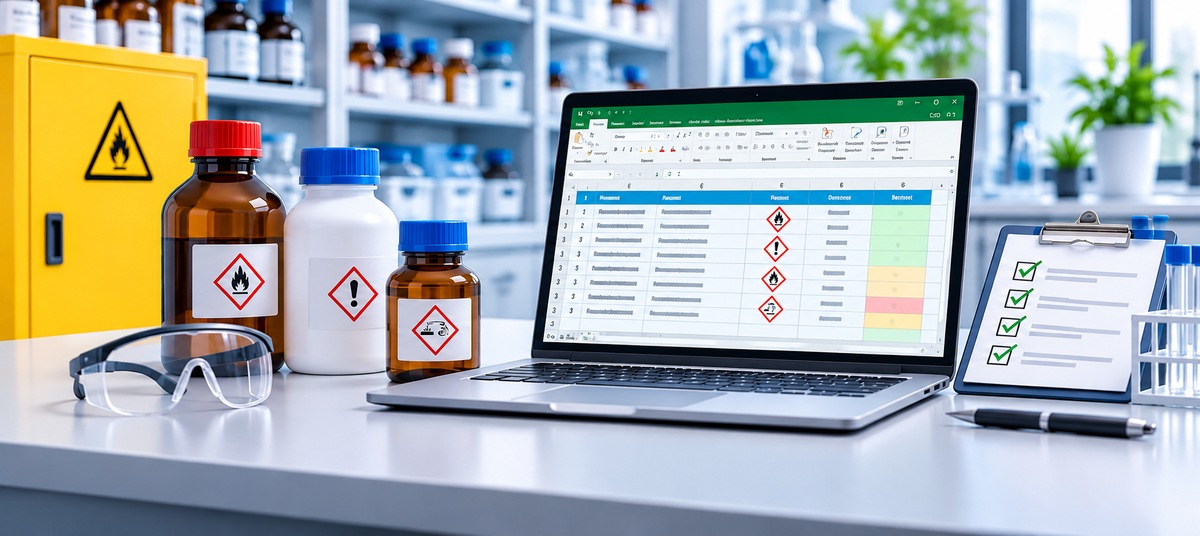
A chemical inventory tells you what you have, where it is stored, how much is left, and when it expires. It is also the first thing a safety officer, an inspector, or an emergency responder asks for. This free chemical inventory template gives you a ready-made Excel spreadsheet with the columns most labs, schools, and workshops need, example rows, drop-down lists, and highlights for expired stock and low quantities.
Download the Excel template (.xlsx) Download as CSV
The CSV version opens in Google Sheets, Numbers, or any spreadsheet app. If you later want barcode scanning and expiry alerts on your phone, your item details import into Nest Egg.
What is a chemical inventory?
A chemical inventory is a list of every hazardous chemical product on site, with enough detail to find each container and match it to its safety data sheet (SDS). A good chemical inventory list answers five questions at a glance:
- What is it? The product name exactly as it appears on the SDS, plus its CAS number.
- How dangerous is it? The GHS pictograms and signal word from section 2 of the SDS.
- Where is it? The building, room, cabinet, and shelf.
- How much is there? The number of containers and the size of each.
- Is it still good? The lot number, the date received and opened, and the expiration or retest date.
Kept up to date, the same list helps you avoid ordering duplicates, use older stock first, find a container quickly, and dispose of expired chemicals before they become a hazard.
Do you need a chemical inventory list?
In most US workplaces, yes. OSHA’s Hazard Communication Standard requires a written program that includes “a list of the hazardous chemicals known to be present using a product identifier that is referenced on the appropriate safety data sheet” (29 CFR 1910.1200(e)(1)(i)). The list can cover the whole workplace or each work area.
Laboratories are treated differently. Under paragraph (b)(3) of the same standard, lab employers must keep labels on incoming containers intact, keep the safety data sheets that arrive with shipments readily accessible, and train lab employees. Even so, most universities, research institutes, and companies ask their labs to keep a chemical inventory, and insurers or local fire departments may ask for one too.
This template is a practical starting point, not legal advice. Your safety office and local regulations decide exactly what your inventory must include and how often it must be reviewed.
What to include in your chemical inventory template
The template has 21 columns. You can hide the ones you don’t need, but these are the ones safety offices ask about most:
| Column | Why it matters |
|---|---|
| Name | Copy it exactly from the SDS, so every container matches its safety data sheet. |
| CAS Number | Identifies the substance regardless of brand or trade name. |
| Manufacturer and Catalog Number | Makes reordering, and finding the right SDS, quick. |
| Physical State | Solid, liquid, or gas, for storage and spill planning. |
| GHS Pictograms and Signal Word | Shows the main hazards at a glance: Danger or Warning, flame, corrosion, and so on. |
| Storage Group | Keeps incompatible chemicals apart, such as acids away from bases and oxidizers away from flammables. |
| Location | From the building down to the shelf, e.g. Science Building › Room 214 › Flammables Cabinet A › Shelf 1. |
| Container Size, Unit, and Quantity | How much is on hand, for ordering and for limits on how much a room may store. |
| Ideal Quantity | The minimum you want on hand. The template flags anything below it. |
| Lot Number | Lets you trace a container back to its delivery if there is a recall or a quality question. |
| Date Received, Date Opened, Expiration Date | For using older stock first and removing expired chemicals. Some chemicals, such as peroxide formers, also need a check after opening. |
| SDS Revision Date and SDS Link | Shows where the current safety data sheet is kept, on paper or online. |
| Responsible Person | Who to ask about a container, and who orders more. |
How to use the template
- Delete the example rows on the Inventory sheet. They show how to fill in acetone, ethanol, isopropanol, hydrochloric acid, sodium hydroxide, and sodium chloride.
- Add one row per product per location. If you keep acetone in two rooms, give each room its own row, so each count stays right.
- Use the drop-down lists for physical state, signal word, storage group, and unit. Add your own values on the Lists sheet.
- Record lot and dates on arrival. It takes a minute when the box is open, and it’s hard to reconstruct later.
- Watch the highlights. Rows turn yellow when a chemical expires within 90 days and red once it has expired. Quantity turns bold red when it drops below the ideal quantity.
- Review it regularly. Walk the shelves at least once a year, or as often as your safety office asks, and remove containers that are empty, expired, or no longer needed.
Tips for a chemical inventory that stays accurate
Use the SDS name, not a nickname
“IPA”, “iso”, and “2-propanol” can all mean the same bottle. Using the product identifier from the SDS keeps the list searchable and matches what inspectors check.
Store by compatibility, then list by location
Group chemicals by storage group before you write locations down: flammables in a flammables cabinet, acids and bases in separate cabinets, oxidizers away from flammables and organics. The storage group column makes misplaced containers easy to spot when you sort or filter the sheet.
First expired, first out
Sort by expiration date and put the oldest containers at the front of the shelf. For chemicals that degrade after opening, the date opened matters as much as the expiration date.
Track reagents and kits the same way
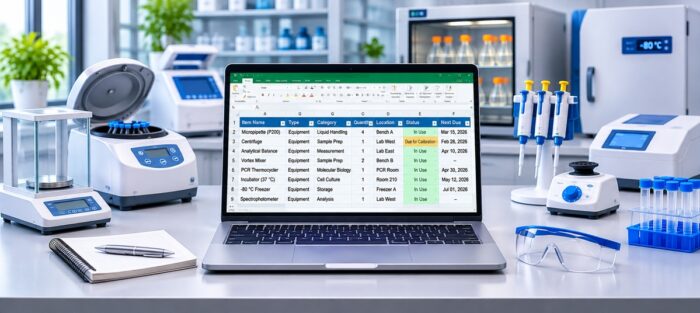
The same template works as a reagent inventory: antibodies, buffers, enzymes, and kits all have lot numbers and expiry dates, and many have their own safety data sheets.
Make one person responsible for each area
Spreadsheets drift when everyone edits them and no one owns them. A responsible person per room or cabinet keeps updates from falling through the cracks.
When a spreadsheet stops working
A spreadsheet is a fine place to start. It gets harder to keep accurate when several people use chemicals every day, when containers move between rooms, and when nobody remembers to update the sheet after the bottle runs out. That’s usually when labs move to lab inventory management software.
Nest Egg Cloud keeps the same information, with tools a spreadsheet doesn’t have:
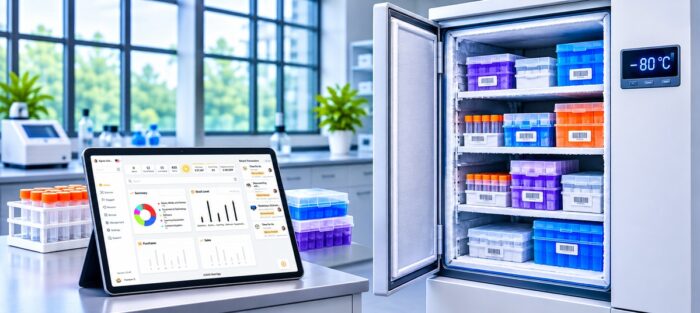
- Phone scanning. Scan a container’s barcode, or a QR label on a cabinet or box, with any iPhone or Android phone to see what’s there.
- Alerts. Get alerts before chemicals expire, as many days ahead as you choose, and when stock drops below the quantity you want on hand.
- Lot numbers and dates recorded with each delivery, so you can trace every container back to its order.
- Safety data sheets attached to each item, so the SDS is one scan away.
- Usage and write-offs. Record what each experiment uses, and log expired or spilled stock with a reason.
- A history of every change, and control over who can view, edit, or lend inventory.
To move over, start with the item details: save the Inventory sheet as a CSV file and import it into Nest Egg, mapping each column once to a Nest Egg field such as name or quantity, or to a custom field such as CAS number or hazard class. Manufacturers import from their own CSV file; export a sample from Nest Egg to get the right format. Lot numbers, batch numbers, and expiry dates aren’t imported: Nest Egg records them on each transaction as stock is received or used, so every delivery carries its own from then on. There is a free plan to start, and paid plans with a 2-week free trial. See how Nest Egg works for labs.
Chemical inventory template FAQs
Is the chemical inventory template free?
Yes. Download the Excel or CSV version and use it as you like. No sign-up is needed.
Does it work in Google Sheets?
Yes. Open the CSV file in Google Sheets, or upload the Excel file to Google Drive and open it there. The drop-down lists and highlights work best in Excel and in Google Sheets after uploading the .xlsx file.
How often should a chemical inventory be updated?
Update it whenever a container arrives, is used up, or is disposed of, and do a full shelf-by-shelf check at least once a year, or as often as your safety office requires.
Should the inventory list every container or every chemical?
One row per product per storage location works for most labs, with the number of containers in the Quantity column. If you need to track each bottle’s lot and opening date separately, give each container its own row, or use inventory software that records lots per delivery.
What is the difference between a chemical inventory and an SDS list?
An SDS list shows which safety data sheets you hold. A chemical inventory also records where each chemical is, how much is on hand, and when it expires. Keeping the SDS revision date and link in the inventory ties the two together.


 (510) 270 5798


